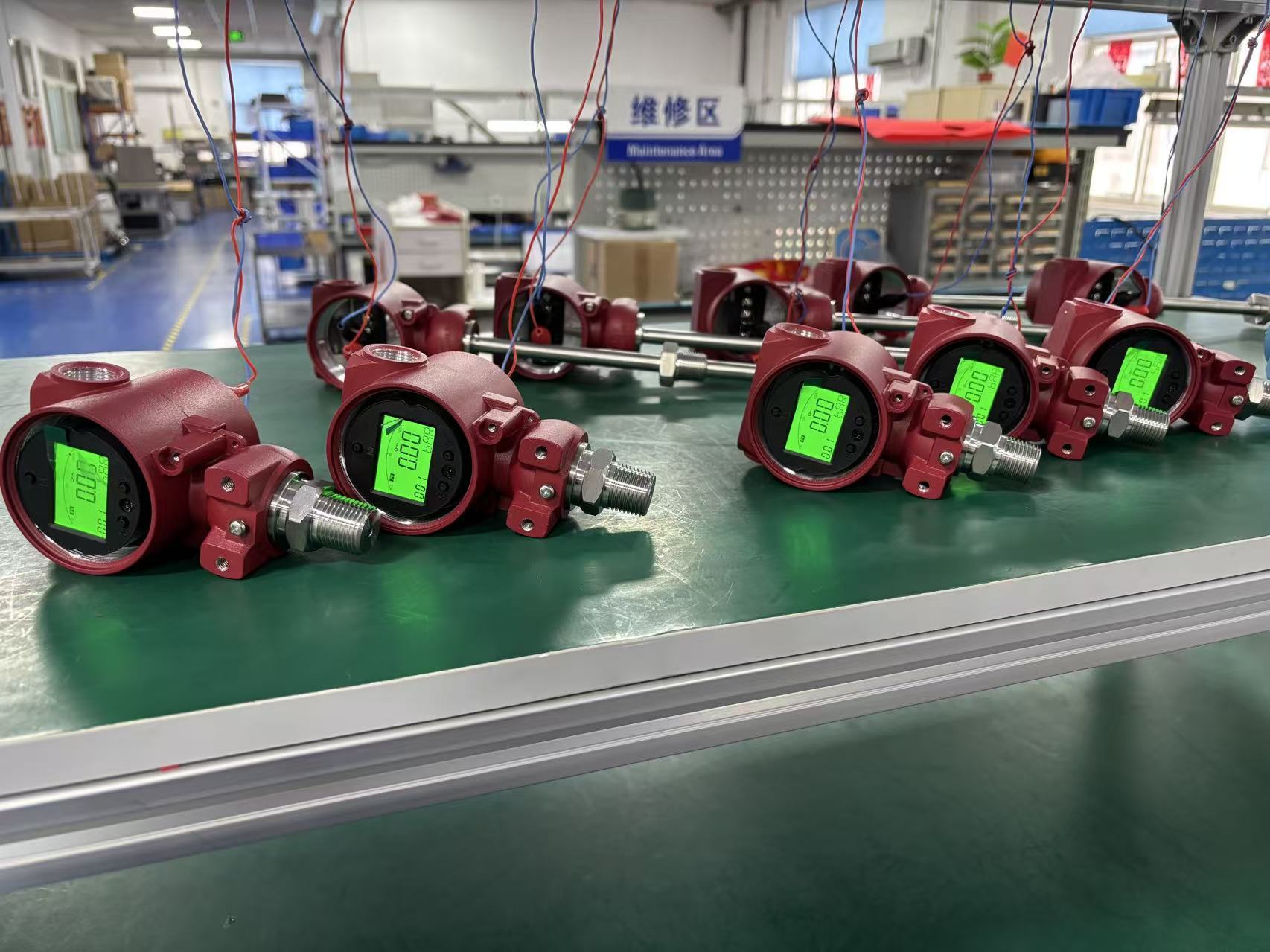
Why Does Your Intelligent Pressure Switch Show a Negative Value? Causes and Solutions
In industrial automation, the intelligent pressure switch is a critical component for maintaining system safety and efficiency. However, operators occasionally encounter a confusing situation: the digital display shows a negative value when it should be reading positive pressure.
Whether you are using a ZINACA high-precision switch or another brand, understanding the root cause is essential to avoid unnecessary downtime. Below is a comprehensive guide to diagnosing and fixing negative readings on your intelligent pressure switch.
Common Causes for Negative Readings
One. Sensor Wiring or Hardware Issues. The most basic cause is often electrical. If the positive and negative signal wires are reversed during installation, the microprocessor may interpret the signal as a negative value. Additionally, if the sensor has been damaged by overpressure or has internal moisture causing a short circuit, the output signal becomes erratic, often dropping below the zero-reference point.
Two. Configuration and Calibration Errors Modern intelligent switches are highly programmable. A negative reading may occur if: The range parameters were mistakenly set to bidirectional (e.g., -1 to 1 MPa) instead of a standard unidirectional positive range. Zero Drift has occurred. Over years of use or after exposure to extreme temperatures, the internal reference value can shift. This shift, known as zero point drift, can result in a small negative display when the system is actually at zero pressure.
Three. Actual Vacuum or Sub-Atmospheric Conditions. In some piping systems, especially those involving pumps and suction lines, a temporary vacuum can be created. If your sensor is a standard gauge pressure switch (designed for 0 to 10 Bar, for example) but the system pressure drops below atmospheric pressure, the device will display a negative value to represent the vacuum state.
Four. Electrical Interference and Power Stability. If signal lines are placed too close to high-power equipment like variable frequency drives (VFDs) or large motors, electromagnetic interference (EMI) can distort the millivolt signal from the sensor core. Similarly, an unstable power supply can cause the internal analog-to-digital converter to produce incorrect, negative readings.
Practical Solutions and Troubleshooting
Step One: Inspect the Wiring. Ensure the power is off and verify that the signal lines are connected exactly as specified in the manual (e.g., Red for Power +, Black for Power -, and Green for Signal Output). Use a multimeter to measure the actual output signal (4-20mA or 0-10V) to confirm if the hardware is sending a logical value.
Step Two: Perform Zero Calibration. Most intelligent switches, including ZINACA models, feature a "One-Click Reset" or a "Zero Calibration" menu option. Manual Calibration: Open the vent to ensure the sensor is at atmospheric pressure. Enter the setting mode, find the "Zero Calibration" option, and reset the baseline to zero. Factory Reset: If you suspect the range settings have been corrupted, refer to the manual to perform a full parameter reset to factory defaults.
Step Three: Verify Pressure Type and Range. Check if your application requires a vacuum pressure switch. If your system naturally fluctuates into negative pressure zones but your current switch only supports positive gauge pressure, you may need to upgrade to a compound pressure switch (which measures both vacuum and positive pressure).
Step Four: System and Environment Check. Compare the digital reading with a trusted mechanical gauge on the same line. If the mechanical gauge also shows a vacuum, the problem is with your process (e.g., a blocked valve or pump issue) rather than the switch. To combat electrical interference, ensure you are using shielded cables and keep signal wires away from high-voltage lines.
Emergency Handling Tips
If the switch displays a negative value but the system is clearly running at normal pressure, the display module might be glitched. Try a hard reboot by cycling the power. If the switch is linked to an emergency shutdown system, you may need to temporarily bypass the alarm function (if safe to do so) to prevent an accidental factory shutdown while you perform the calibration.
ZINACA Instruments: Reliable Pressure Monitoring Solutions
As a professional manufacturer of industrial instrumentation, ZINACA Instruments provides high-precision intelligent pressure switches designed to resist zero drift and electrical interference. Our devices feature IP65 protection and explosion-proof certifications (Ex d II C T6 Gb), making them suitable for the most demanding environments in oil, gas, and power industries.
Custom OEM Service and Pricing
The price of an intelligent pressure switch varies based on the required accuracy, pressure range, and materials. ZINACA offers comprehensive OEM services, allowing you to customize thread sizes, electrical outputs, and display configurations to match your specific machinery.
If you are experiencing persistent issues with negative readings or need to upgrade to a more stable sensing solution, please contact ZINACA Instruments for a detailed technical consultation and the latest product quotation
 WhatsApp
 Email
Email
 +8617320288925